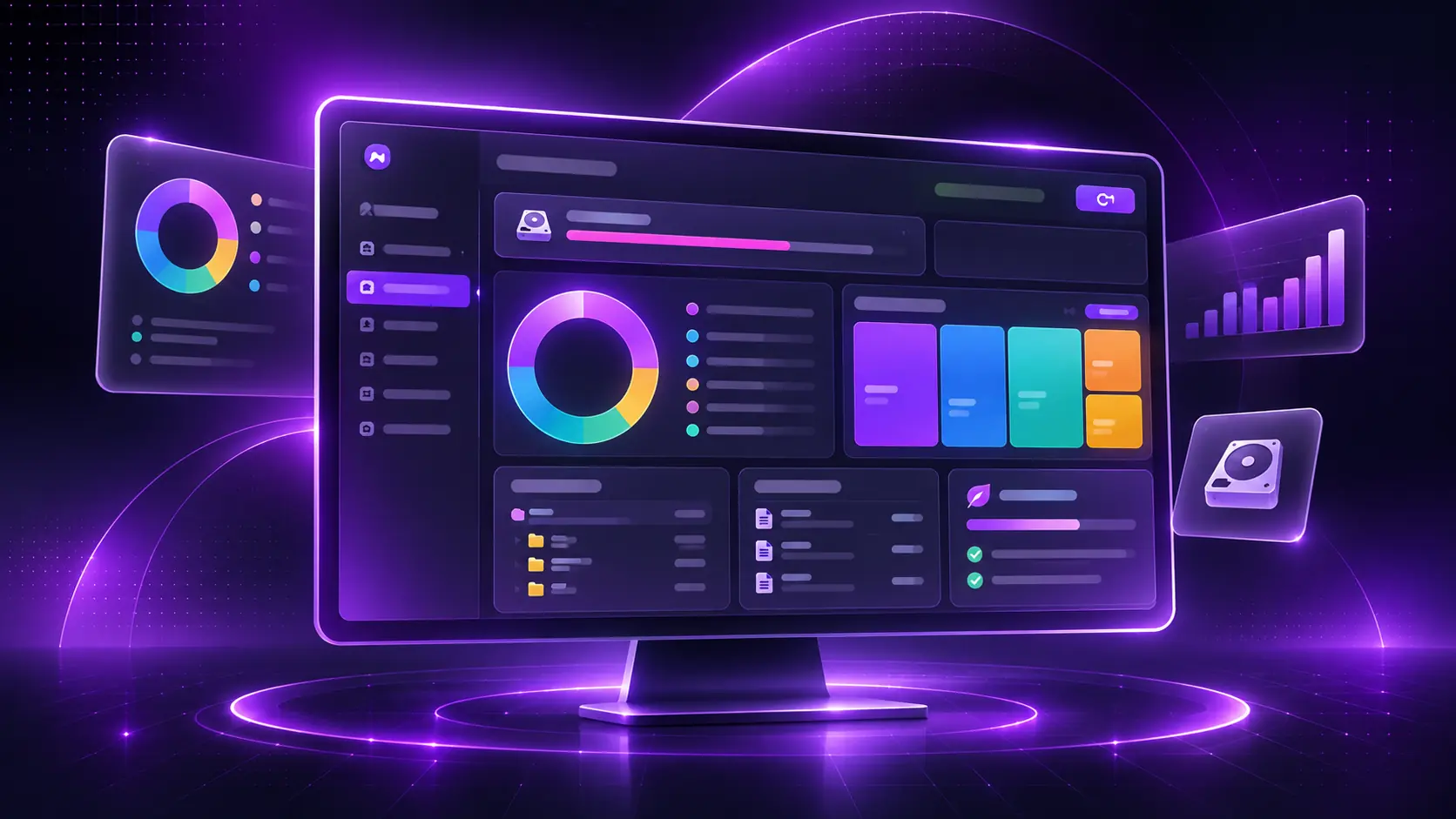
Visualize
Storage Analysis
Understand how your drive is being used with a clear overview, file categories and a colorful treemap.
Visualize disk usage, uncover large files, review cleanup opportunities and manage storage with confidence.
Free + Pro licensing is planned. Final terms and pricing are not yet published.
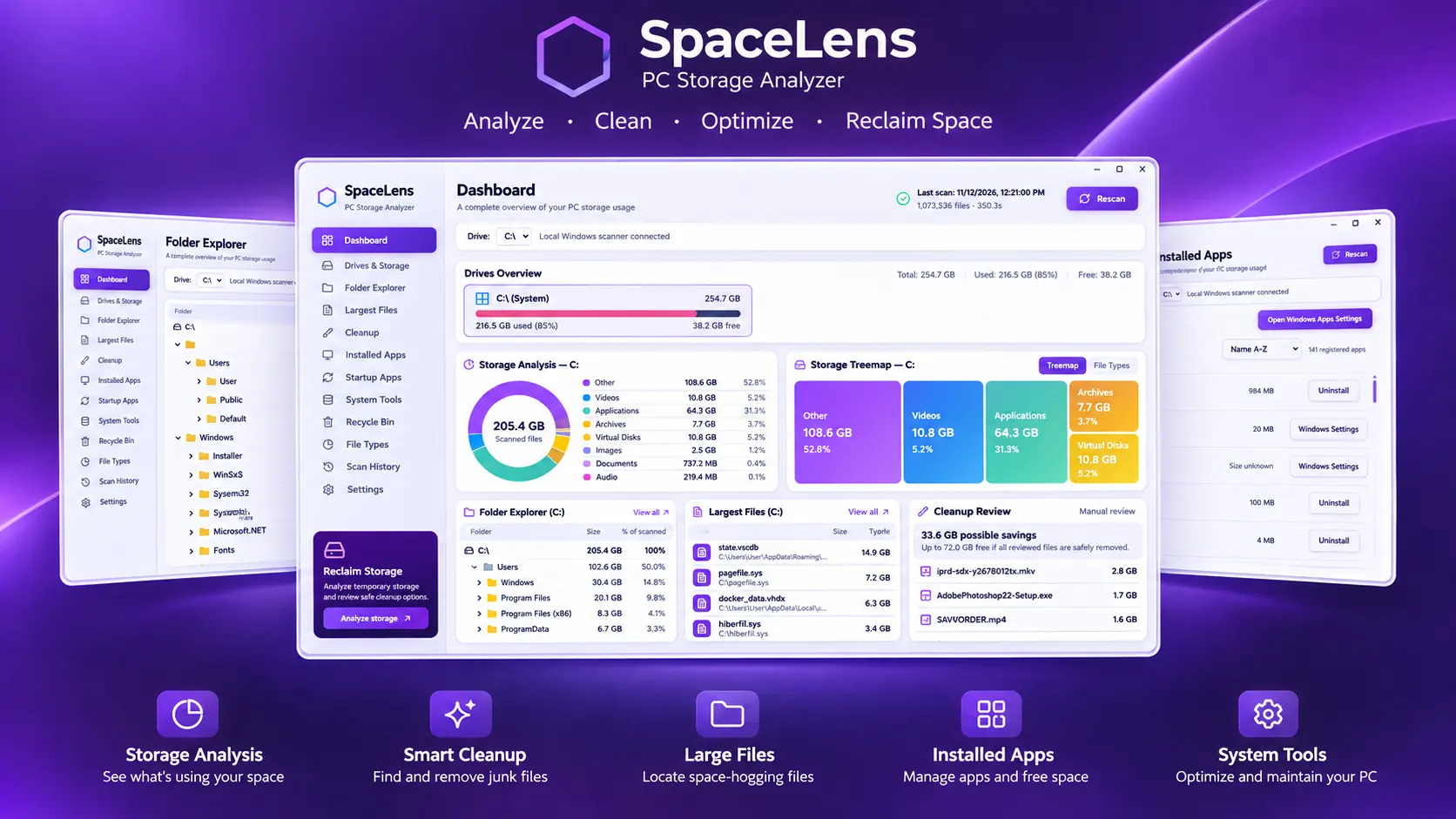
Explore the capabilities of SpaceLens through its real desktop interface.
Understand file categories and space usage with clear charts and treemaps.
Review storage cleanup opportunities before removing files.
Browse directories and identify the folders taking the most space.
Find files worth reviewing, including archives and videos.
See installed applications and available management options.
Access supported Windows management features.
Discover the tools behind SpaceLens through dedicated feature visuals inspired by the actual Windows app.
Understand how your drive is being used with a clear overview, file categories and a colorful treemap.
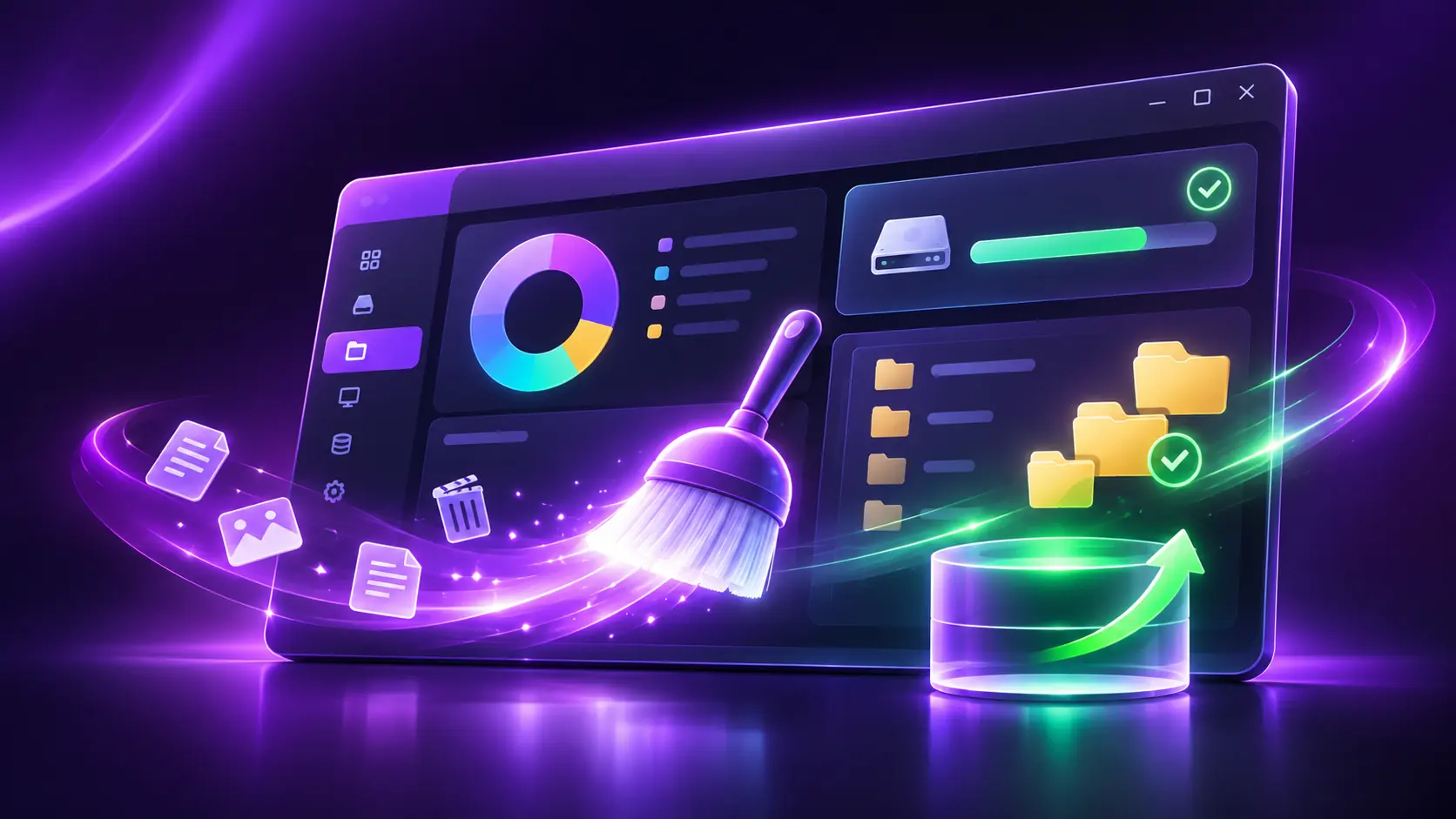
Find temporary files and other reviewable items, with control over what gets removed.
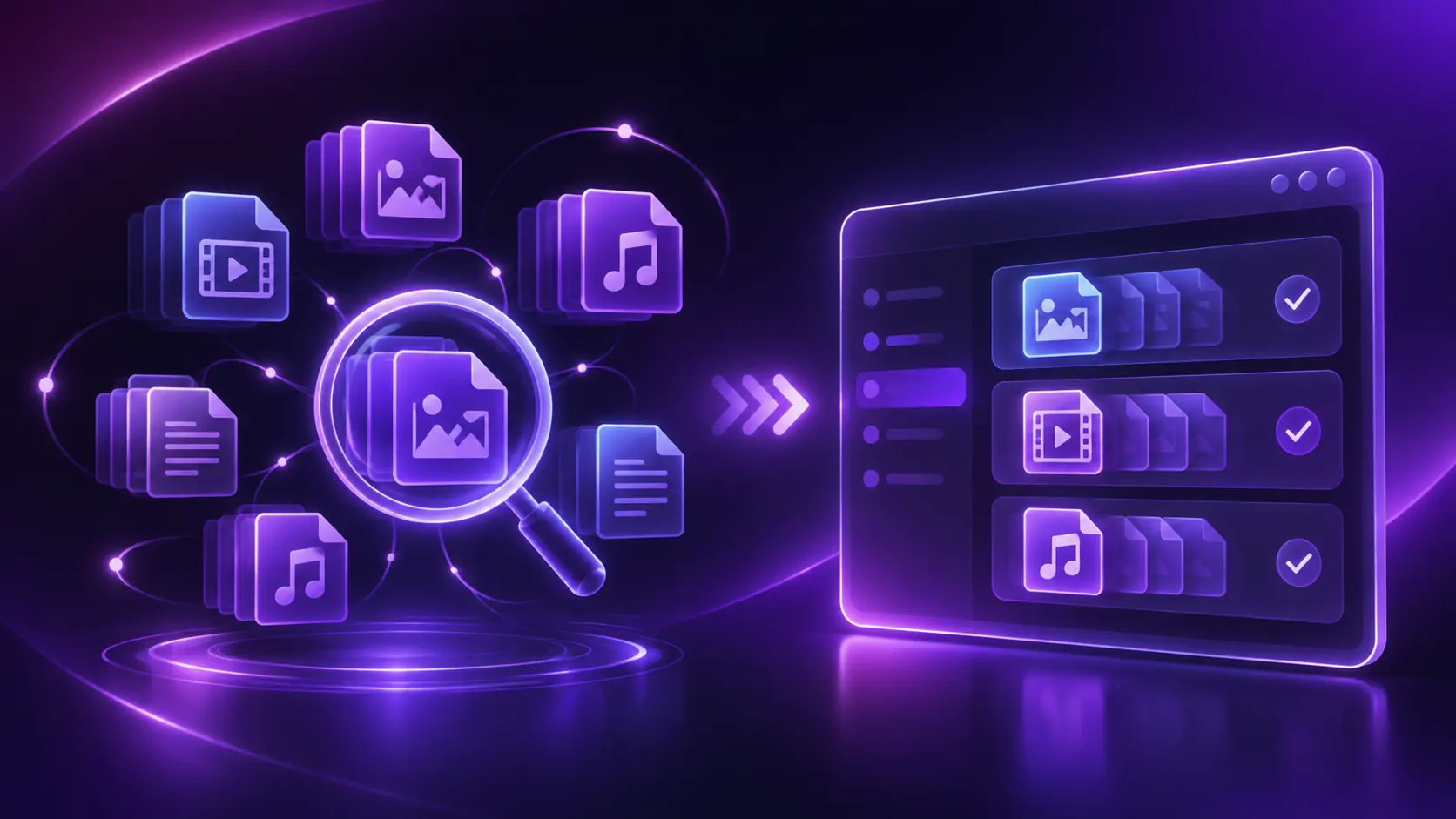
Identify repeated files so you can review potential savings and decide what to keep.
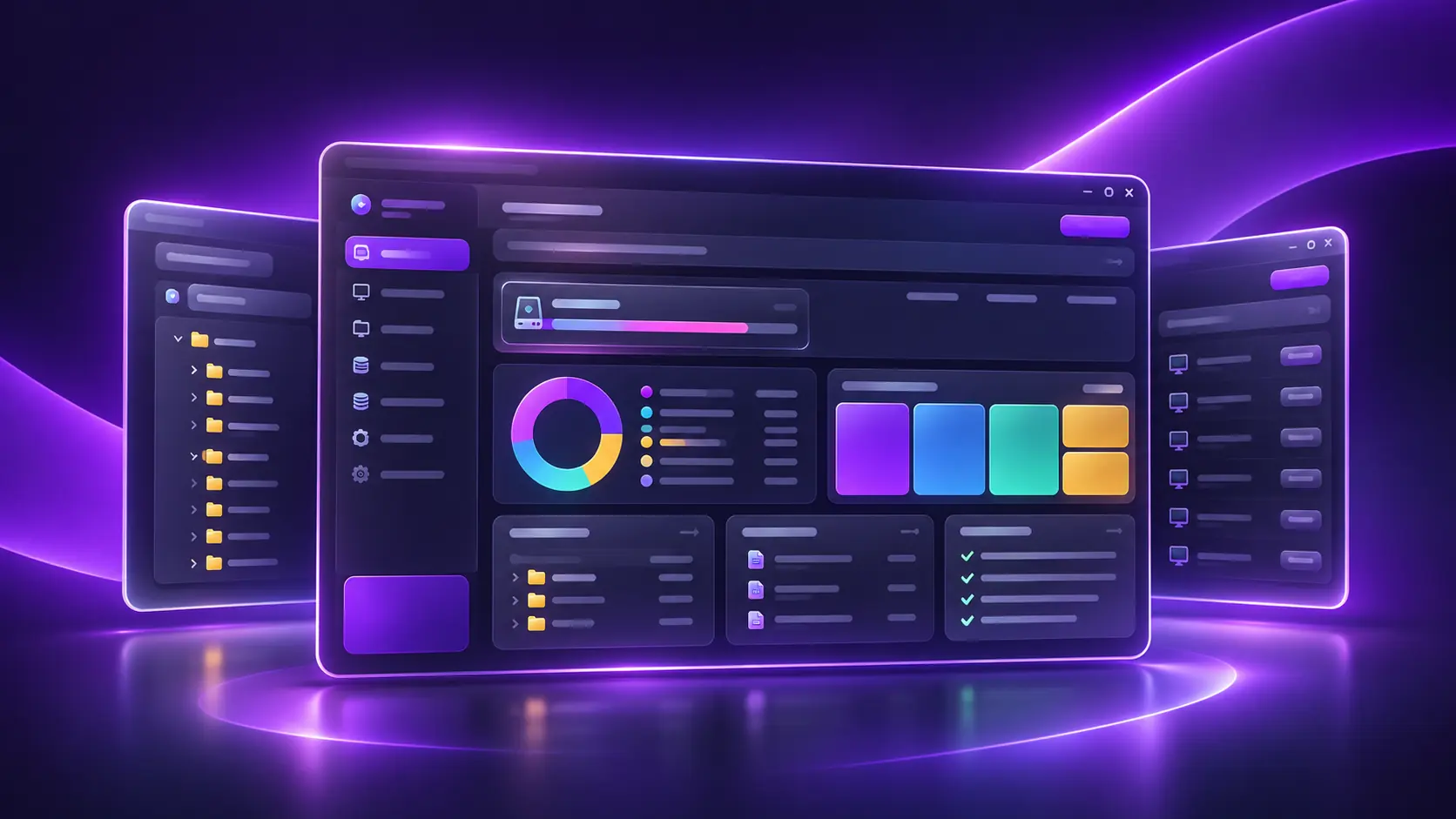
Explore installed apps, startup entries and supported system tools from one workspace.
Marketing illustrations based on SpaceLens design. Actual application screens and feature availability may differ.
A promotional composite adapted from the Windows application screenshots you provided.
The SpaceLens dashboard, folder explorer and installed apps views are represented together in a polished promotional visual. The composite is for marketing; it is not a literal screenshot or live data.
Free + Pro licensing →A verified product walkthrough will be added here when ready.
Product demo coming soon
Feature entitlements and pricing are subject to approval.
Core storage visibility for everyone.
More capable storage management.
No payment processing or license activation is enabled.
Verified installers will be linked once release packages are ready.
Windows 10 / 11
EXE not available yetDirect-install APK — in development
APK not available yetYes, SpaceLens will use a Free + Pro model.
Pricing has not been approved or announced.
Not yet. License activation is planned for a later release.